
Vector or Raster? Send the Right File for Your Tote Artwork

Decide when to send vector artwork, a raster image or a mixed PDF for tote printing. Check the actual export against the printer’s specifications.
Decide when to send vector artwork, a raster image or a mixed PDF for tote printing. Check the actual export against the printer’s specifications.
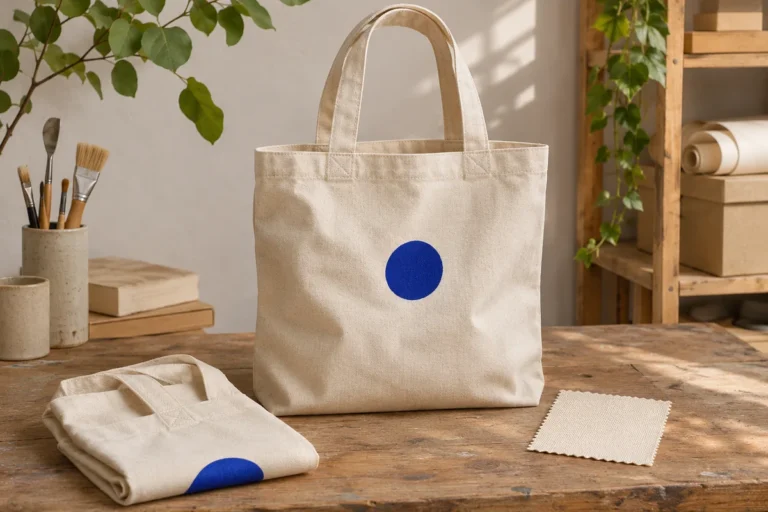
Compare a custom tote sample with the approved proof, check the loaded bag, and record the details the supplier should reproduce.
Keep a familiar detail from a family recipe on the tote and put the full instructions on a separate card. Make both easy to read.

Check whether a white box is in your artwork or the preview. Test PNG transparency, inspect soft edges and ask what the print process does with white.
Ask the right questions before uploading a private photo for a tote. Understand AI assistance, proof approval, factory artwork and retention.
Understand screen-to-fabric colour differences and the limits of a digital proof. Know what to ask before approving a colour-sensitive design.
Turn an idea into a clear tote design brief. Describe the subject, must-keep details and things to avoid before the proof stage.
Use keep, change and check to give clear design feedback. Learn how MARKSAKE’s three revision rounds per personalised item work.
Check the current proof, wording, crop and product options before approving a custom tote. Understand what a screen preview can show.
Organise photos for a collage tote without crowding the design. Choose a lead image, label the files and review every crop and name.